The whole pool, in the owner's hand
A pool runs on a stack of separate equipment: pumps, heaters, lights, and the chemistry that keeps the water safe. Hayward puts all of it in the owner's hand.
Stakeholder workshops · User flows · Interface design · Front-end styling
Designed for the everyday owner
Everything the equipment could do already existed, but an average owner couldn’t use it. Controlling your pool meant dealing with a wall-mounted unit and knowing which piece of hardware did what.
An audit of the wall unit surfaced four problems and all four were design problems. Two of them shape everything below: an owner could not reach the control they wanted, and a schedule was too much work to be worth setting.
Designed the daily jobs first
An owner opens this app to change one thing and leave, not to browse the hardware. Adjusting the pump, turning the lights on and off, nudging the heater a degree: the small jobs a pool asks for on an ordinary day. Those got designed first, and everything the app can also do sits one level behind them.
The capability was never missing. Reaching it was the part that meant knowing the equipment.
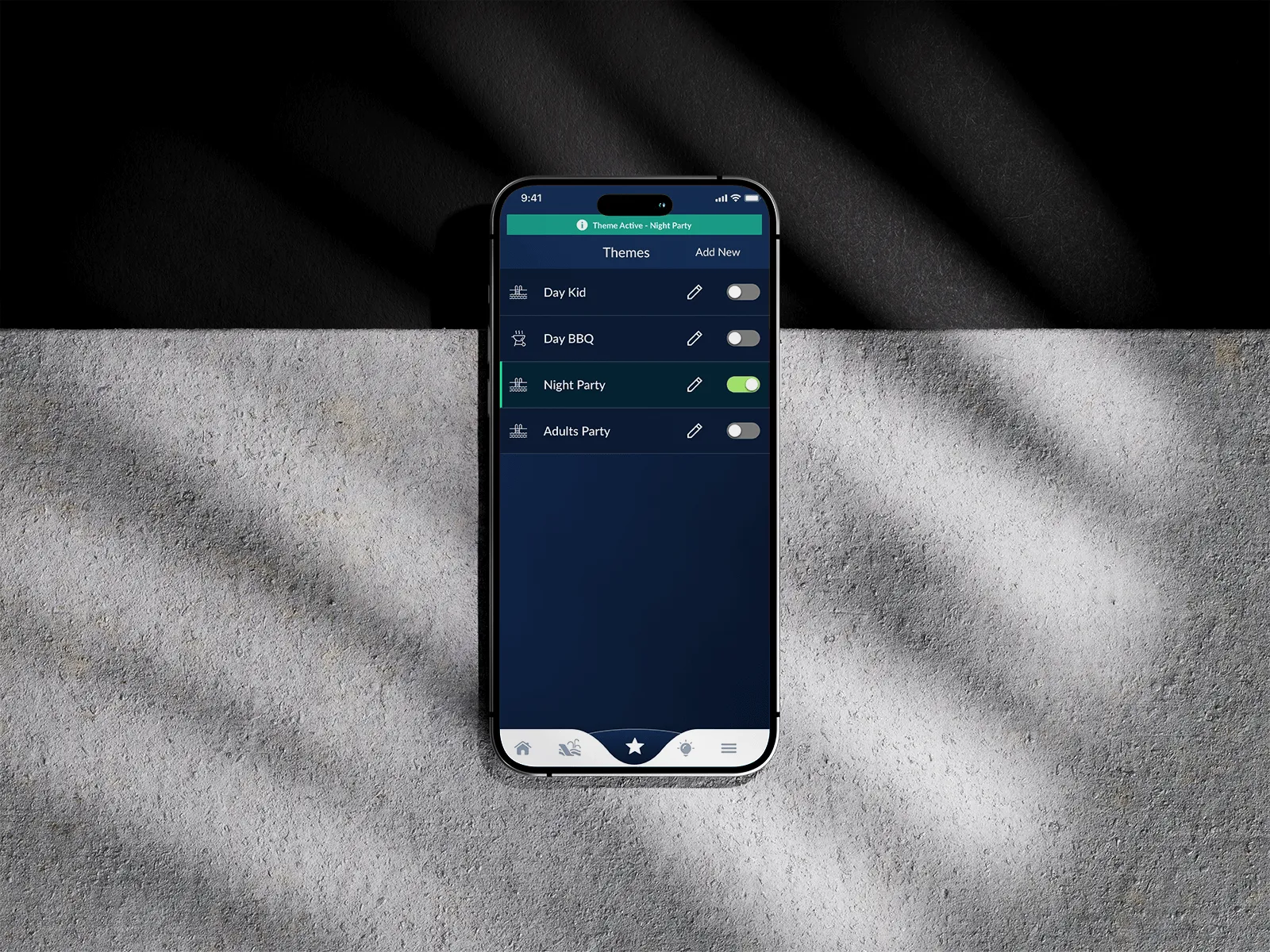
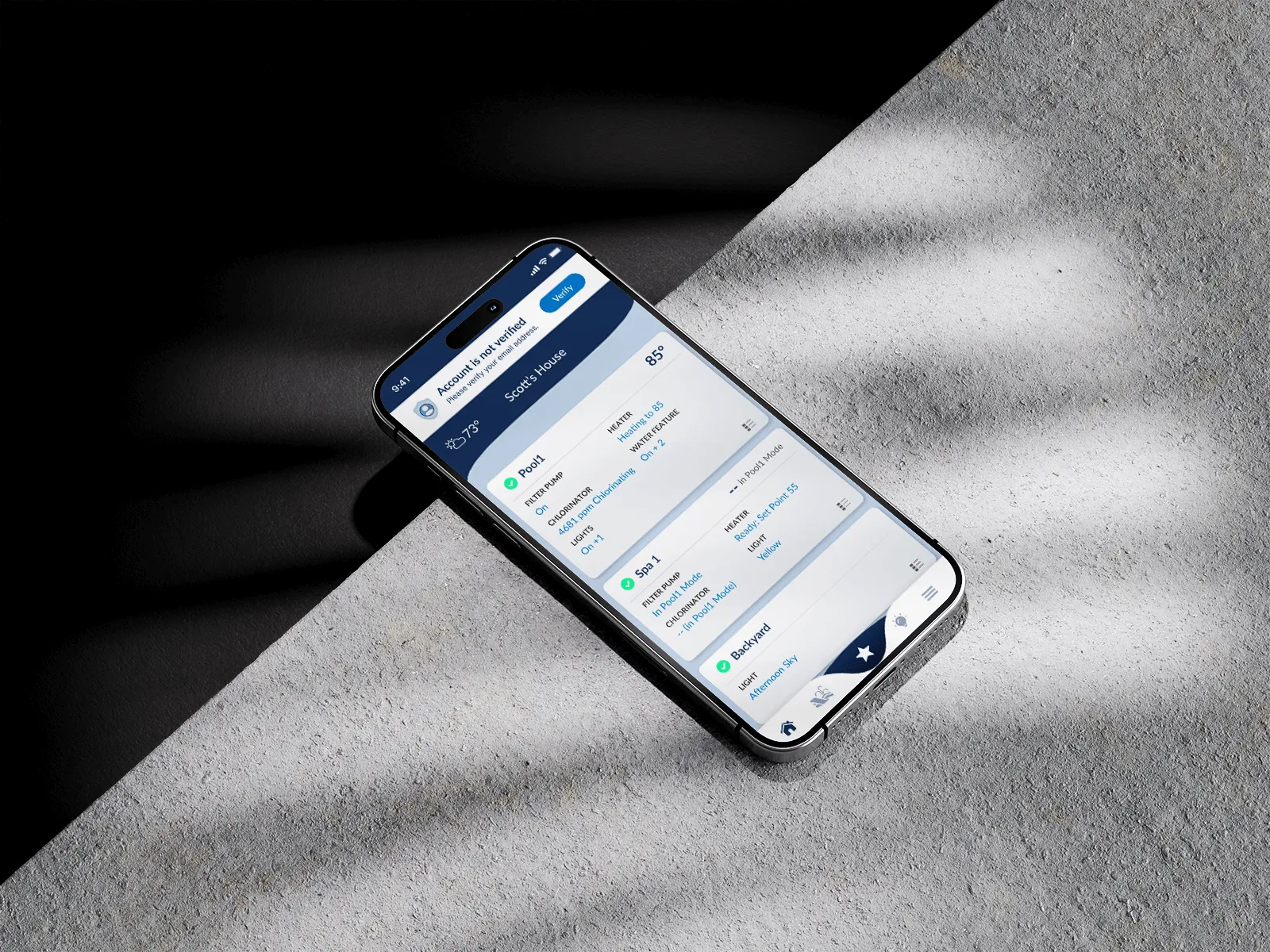
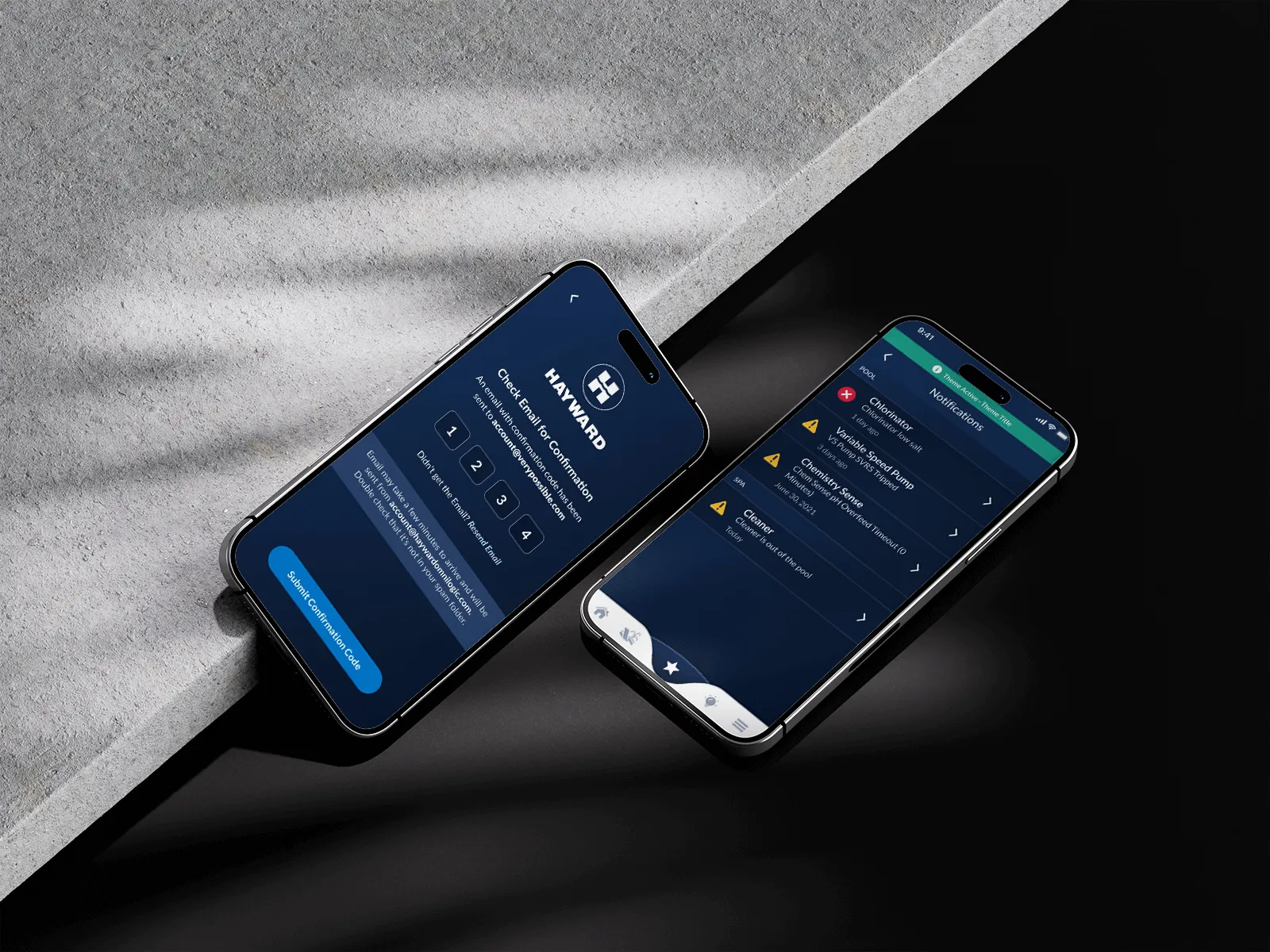
The obvious call exposed every setting. I designed for the one thing an owner came to change.
Mapped the flows before drawing a screen
Hayward had years of its own user research, so I read theirs rather than starting mine over, and ran the stakeholder workshops myself. Then I mapped every flow before a screen was drawn.
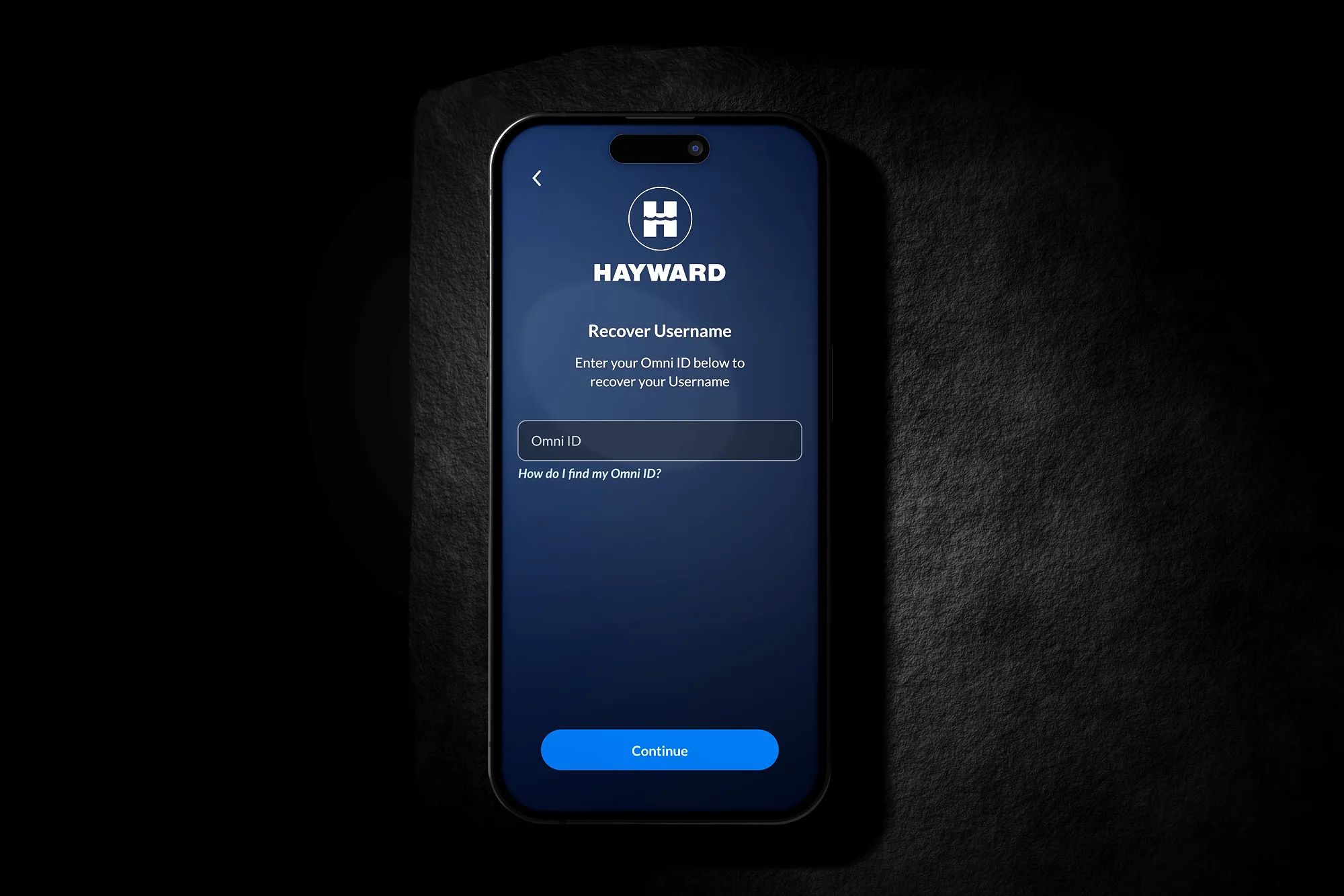
This one is username recovery, the kind of path nobody demos and everybody eventually hits. It is cheap to fix while it is still a box on a diagram and expensive once it is a screen with three states.
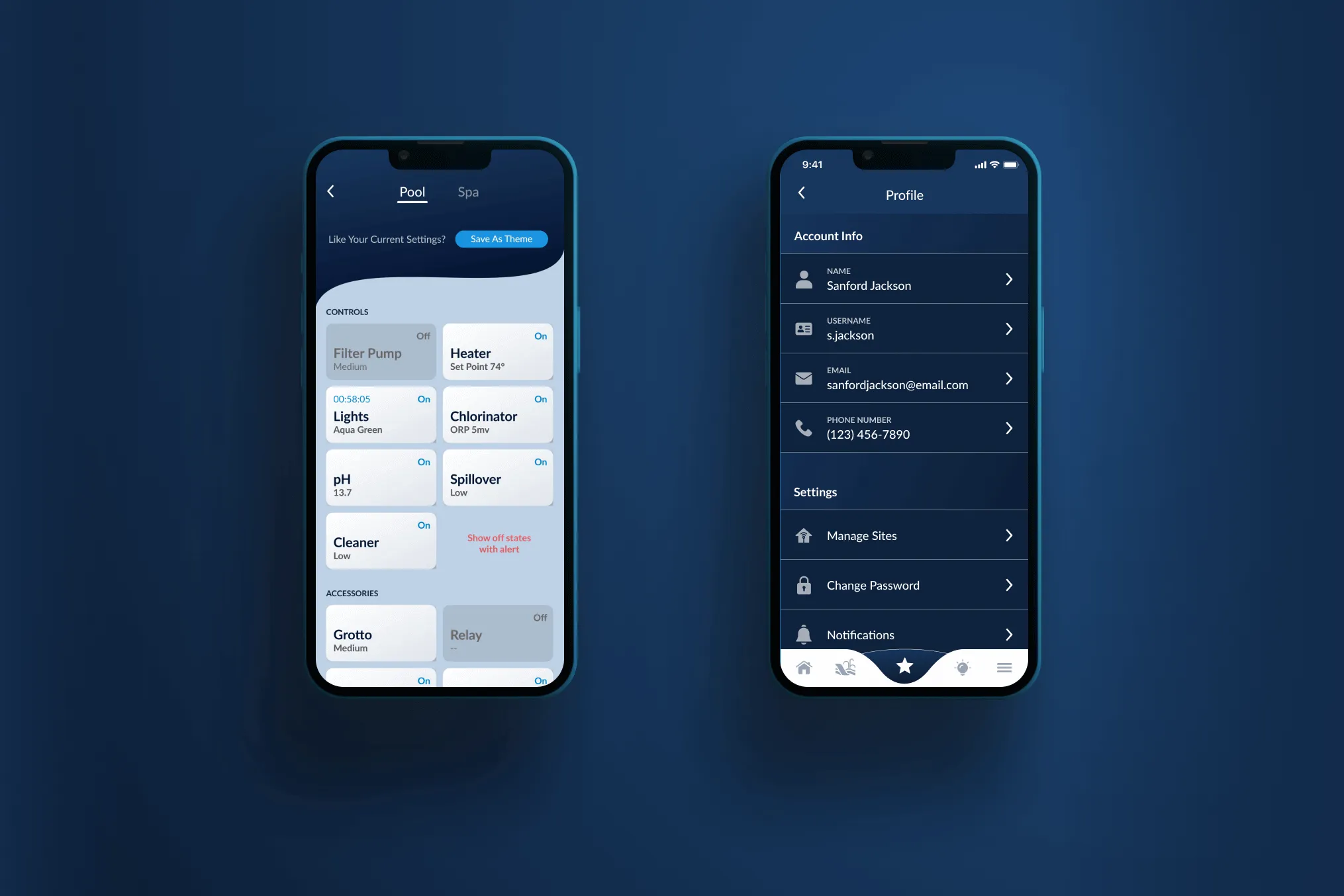
I brought heating, lighting and pump schedules to the surface, and pushed configuration one level down.
Themes collapse the slow setups into a single tap. A configuration saves under a name the owner already uses, so Night Party is one tap instead of a pass through the pump, the heater and three light zones.

Designed in Figma, coded in React Native
I drew the initial design library, then built its presentational components in React Native myself, each one with its states and props.
My work lived in the app, not just in the design.Left the owner one thing to do
The wall unit could always run the pool. What changed is that running it stopped meaning a walk to the wall and a memory of which box did what.
An owner opens the app, changes the one thing they came for, and closes it. By 2024, 93% of the equipment that could reach the app had been connected to it, and it holds 4.6 stars across both stores.
I designed the app that brought the OmniLogic controller's full capability to a home owner's phone. I ran the stakeholder workshops, reviewed Hayward's own user research rather than running it, and drew the user flows, wireframes and hi-fi designs. I created the initial design library, and authored the presentational React Native components and their styling from it.